“I’ve been juggling multiple tabs and copying text for years,” one user admitted, highlighting a struggle many face when researching online. OpenAI has addressed this head-on by updating its ChatGPT Chrome extension with powerful new tools that streamline multitasking.
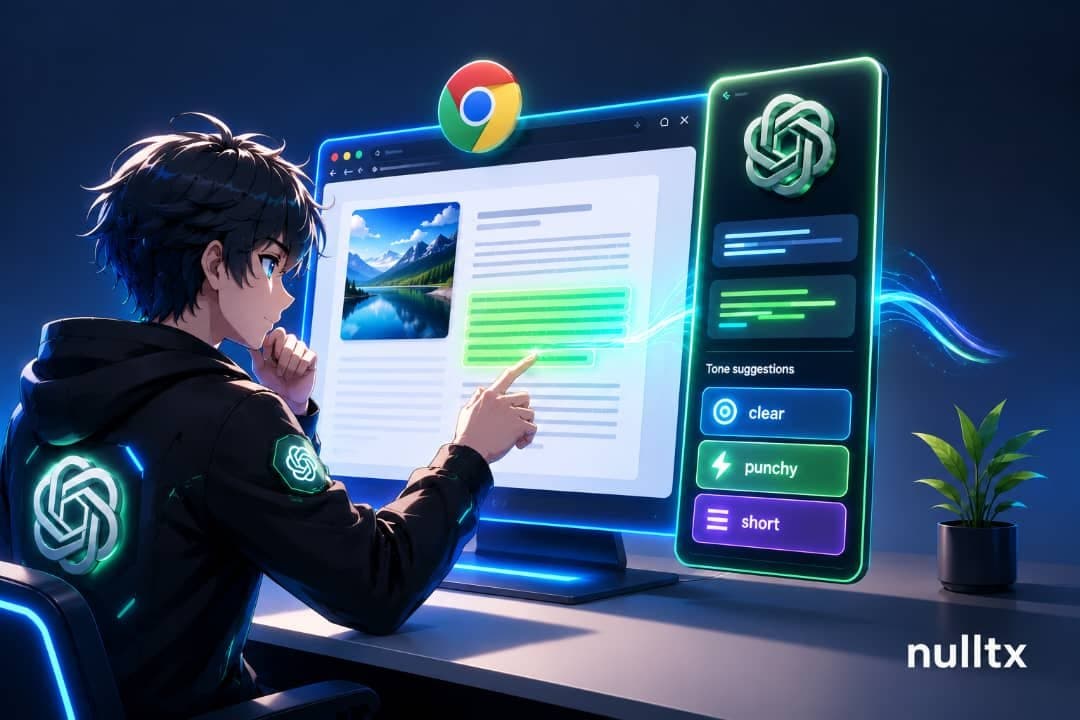
The biggest change is multi-tab context reading. Now, ChatGPT’s side panel pulls information from all your open tabs instead of just the one you’re viewing. This means you can jump between several pages without losing the ability to ask ChatGPT questions based on content spread across them. Chats also sync smoothly with the desktop app, keeping your session connected no matter where you interact.
Setting it up requires installing the extension through the ChatGPT desktop app’s Plugins Directory. This approach avoids confusion with unofficial versions floating around in the Chrome Web Store. After granting permissions, the sidebar activates on any page, ready to harness data from multiple tabs at once.
The update also introduces a right-click “Highlight-and-Ask” shortcut. Select any text on a webpage, right-click, and choose “Ask ChatGPT.” Instantly, the sidebar opens with your selection attached, so you don’t need to manually open or pin the panel beforehand. This quick access can transform how people engage with content daily.
This Chrome extension evolution incorporates features from OpenAI’s discontinued standalone browser tool, Atlas, eliminating the clunky copy-paste workarounds users endured previously. It taps into more context by design rather than restricting itself to one tab’s contents.
This material is for informational purposes only, not financial advice.